Automated credit card reconciliation for in-house finance teams.
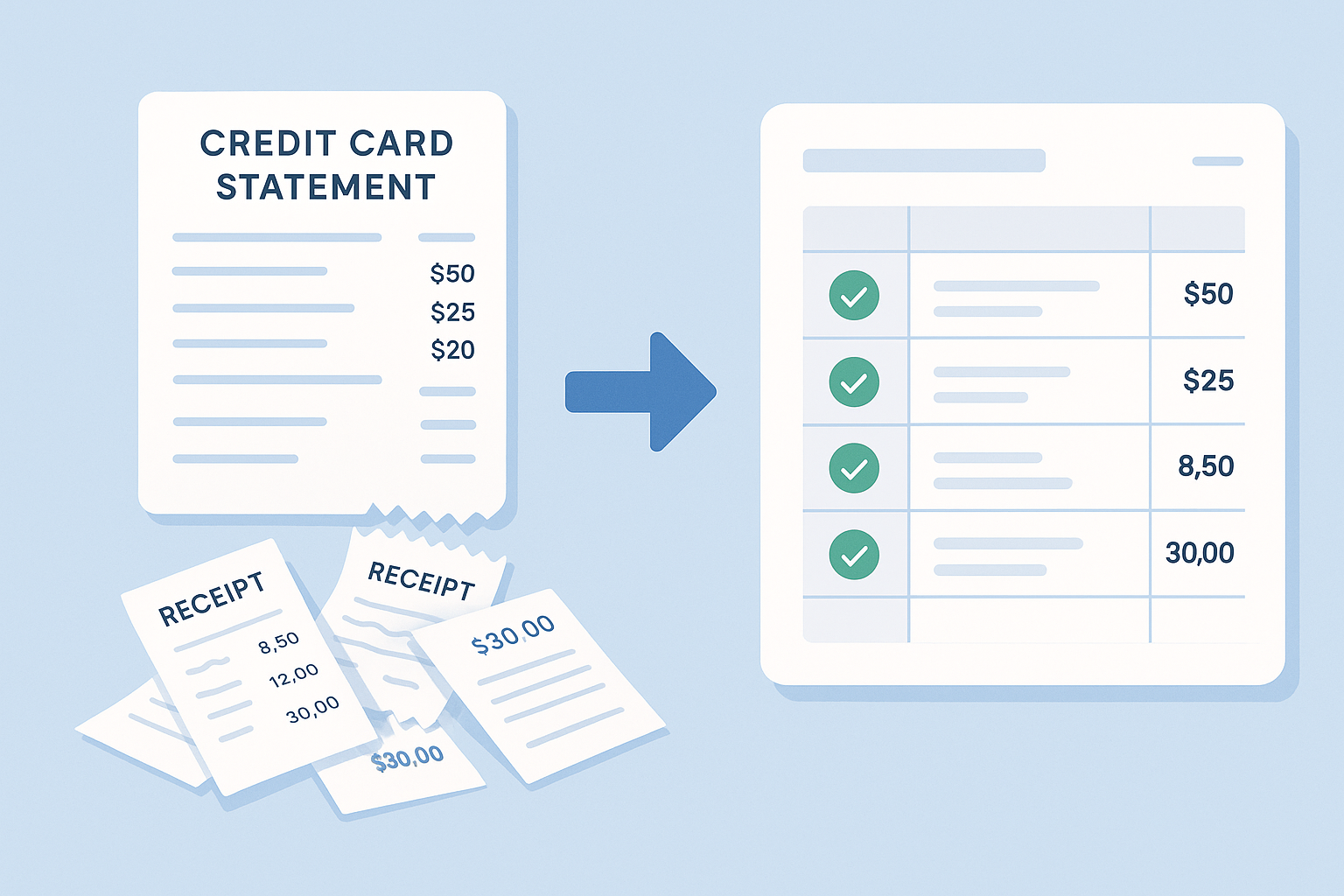
Upload your credit card statements and receipts to reconcile corporate credit card expenses, built for accounting and finance teams. FinSnap handles receipt matching, applies your GL rules, extracts multiple tax types per receipt, and automates expense classification so you can deliver a review-ready ledger in minutes with explainable results.
Invite-only preview access today. Sign in to continue, or check back for launch pricing.
Receipts ingested
AI parsed details and taxes
Matches found
Confidence-driven suggestions
Ledger ready
Exportable audit trail
Fast receipt matching and GL coding
Upload your corporate card statement and receipts in one step. FinSnap matches receipts to transactions across the statement and produces a review-ready draft ledger, so reconciliation moves forward without manual sorting or spreadsheet work.
Clear explanations behind every match and classification
Every matched transaction is explained. FinSnap keeps the source documents, extracted fields, and matching logic connected, so reviews, audits, and questions can be resolved quickly without retracing work.
Automation with built-in accountant control
FinSnap handles repetitive reconciliation steps, but every decision stays editable. You can override matches, reassign GL codes, and leave notes without breaking the workflow or losing context.
Real finance teams reconciling faster
Finance teams rely on FinSnap for corporate credit card reconciliation that speeds receipt matching, explains every decision, and delivers audit-ready records without changing how employees spend.

“We clear our corporate cards in an afternoon instead of days, and the exports drop straight into our accounting system.”
“The statement view looks like our own schedules - auditors can finally follow the trail without extra spreadsheets.”
“Every exception is queued for us with clear reasoning. My team only reviews what actually needs judgment.”
Finance team FAQ
Plain-language answers to common reconciliation, receipt matching, and audit trail questions from accounting teams.
- How do I do a reconciliation, and how long does it take?
- Upload your card statement and receipts, review the suggested receipt matching, and review an exceptions. Most finance teams can clear a few hundred transactions in less than an hour.
- What if I have receipts with a lot of different taxes?
- FinSnap captures multiple tax lines per receipt (such as GST/HST/PST/VAT) and stores the tax evidence with the transaction. Your ledger export keeps every tax amount tied to the original receipt for audit-ready support.
- How do I get the reconciled data into my accounting system?
- Export reconciled transactions to CSV with GL codes, tax details, and an audit trail. Then import that file into your accounting system or ERP just like your current close process. You can even save all the linked and auditable receipts locally.
- What if I don't have all my receipts?
- Transactions without receipts are shown as outstanding, so you can followup without losing the reconciliation workflow. We also facilitate instant email with the details, so you can chase down missing backup with ease.
Sign in to the pre-release demo
Use your invite credentials to access the preview experience.